Visit note
Scribe
The visit note is drafted from the transcript, in your charting style. You edit it and sign.
Ryvo runs on your own computer or a standalone device, so patient audio, the transcript, and the draft stay on the machine you control. It captures the visit, drafts the note, suggests ICD and CPT codes, and prepares the referrals, intake, and follow-up around each visit. You review and sign off before anything reaches the chart.
Beyond the note
The visit note is drafted from the transcript, in your charting style. You edit it and sign.
Diagnosis and procedure codes are proposed for the visit, so the claim starts clean.
Referral letters and patient handouts are written from what was said in the room. You review them before they go out.
You stop filling forms after hours. The intake and visit forms come ready from the encounter.
The follow-up task and the next appointment are ready to book before the patient leaves.
After you sign off, the approved note and codes go into your EHR through the path your practice approves.
Privacy by default
More time with my patient, and nothing they say goes to an AI company's servers.
One tap starts the visit. Your iPhone or Apple Watch is the microphone, so you stay with the patient.

Recording visit
By the time you leave the room, Ryvo has drafted the note, the codes, and the documents for your review.
The workflow
Ryvo works in the background while you focus on the patient. The note is ready for review when you are, not at the end of the day.
Before the visit
Ryvo pulls the schedule and the last note so the room is set up before the patient sits down.
During the visit
Your phone, watch, or a Ryvo room mic captures the visit. The audio stays on your network, and your hands stay off the keyboard.
After the visit
The note, codes, and documents are drafted and waiting. You review, sign off, and the approved note syncs to the EHR.
On your network
Most AI scribes send the visit to a company's servers to turn it into a note. Ryvo is different. It runs as an on-prem or edge/private deployment on the computer or device in your office, so the conversation, the transcript, and the draft never leave your network.
Cloud AI scribes
The visit is processed on hardware you don't control
Ryvo, on-prem
The visit stays on your network
Sending the visit off site is the path the HIPAA Security Rule now asks every practice to map, and the first question Medicare deployments raise. Keeping the audio on-prem shrinks the proof you owe. More in Where the scribe runs.
On-prem processing runs on a computer or device in your office, so patient audio never leaves your network to be processed.
Drafts become chart text only after you read the transcript, edit the note, and sign off.
Chart text, codes, and files use the EHR and PM access paths the practice approves.
A BAA is available, and the review log and version history stay under your control.
Works with your systems
Ryvo maps reviewed chart text and codes to the fields your EHR and PM approve. The first export path is scoped and tested against your instance before it is turned on.
Reviewed mappings for US EHR, PM, and post-acute systems. Each integration is tested against your instance before go-live.
Scheduling, mail, and files
Office systems
Open any system for how Ryvo maps reviewed notes and codes to its fields, and what we test before go-live.
All integrationsBenchmark
Ryvo scores ahead of nearby on-prem and edge/private deployment baselines on a standard medical test. The number reflects structured clinical tasks, not final chart quality. A clinician still reviews every note before it is signed.
On device
73.7
On-prem
Comparison
72.9
On-prem
Comparison
71.4
Private
Comparison
70.7
Cloud
Comparison
69.0
Cloud
The comparison rows are category baselines, not specific products. See the full method and per-model results in the truesilver medical LLM benchmark.
Two ways to run
Ryvo Desktop runs Scribe as an on-prem deployment. Download the app, use your iPhone or Apple Watch as the microphone, and the visit is transcribed and drafted on the machine. No extra hardware, no cloud account, no charge to start.
Install the desktop app on your Mac or Windows PC and point your iPhone at it. Audio, transcript, and draft stay on your computer. The clinician reviews every note before any chart text moves.
Download the app first. Model files install inside Ryvo after terms acceptance.
Buy Ryvo room mics for fixed, multi-room capture. Add the Ryvo device for managed on-prem compute that does not depend on a clinician's computer.
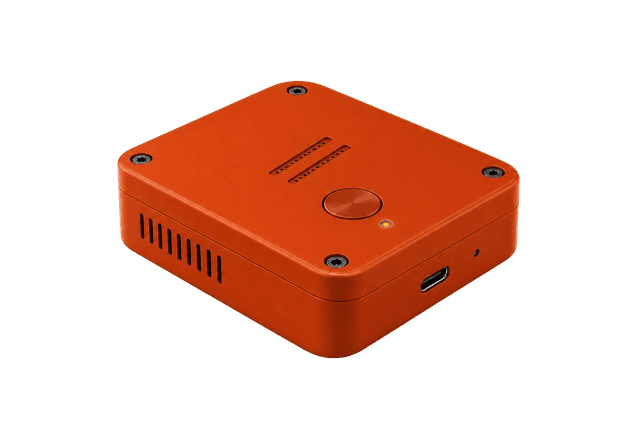
Buy Ryvo
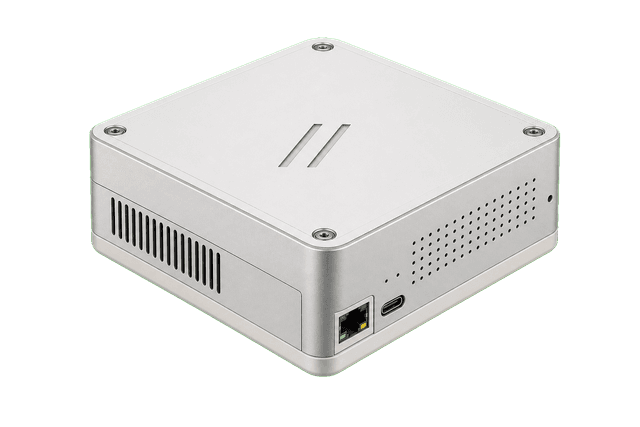
Buy the appliance and the room devices you need. Add an annual software and support plan, then scope the EHR and RCM workflow with us. Free US shipping, ships in about two weeks.
Practice network appliance
$999
One local appliance for transcription, note drafting, and workflow automation on the practice network.
Room capture device
$299
Room capture point for desks, side tables, or staff areas.
Annual software and support
Updates, maintenance, and support keep the appliance current.
Workflow implementation
Structured exports, RCM support, and EHR integration scoped per practice.
Free US shipping
Ships in about two weeks. US addresses only.
Clinic and group orders
Tell us your EHR, your specialties, and how many rooms you want to cover. We will scope deployment, the compliance packet, and bulk pricing, and reply within one business day.
Visit capture
Ryvo lets the practice choose the capture point: room device, phone, watch, or direct recording on the local device. The clinician reviews the transcript and note before anything syncs with the EHR.
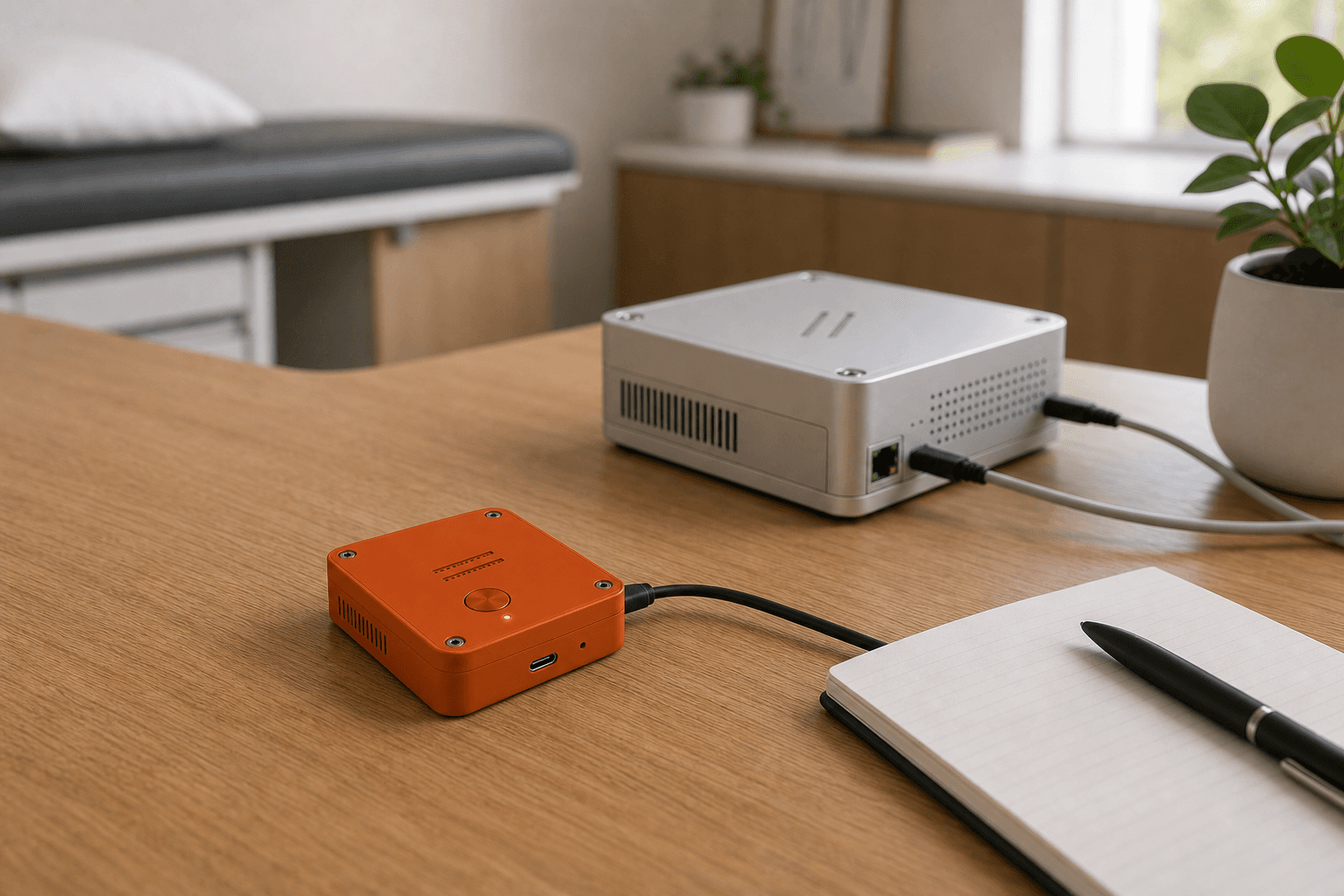
01 / capture
Ryvo room mic captures at the desk while Ryvo stays on the practice network.
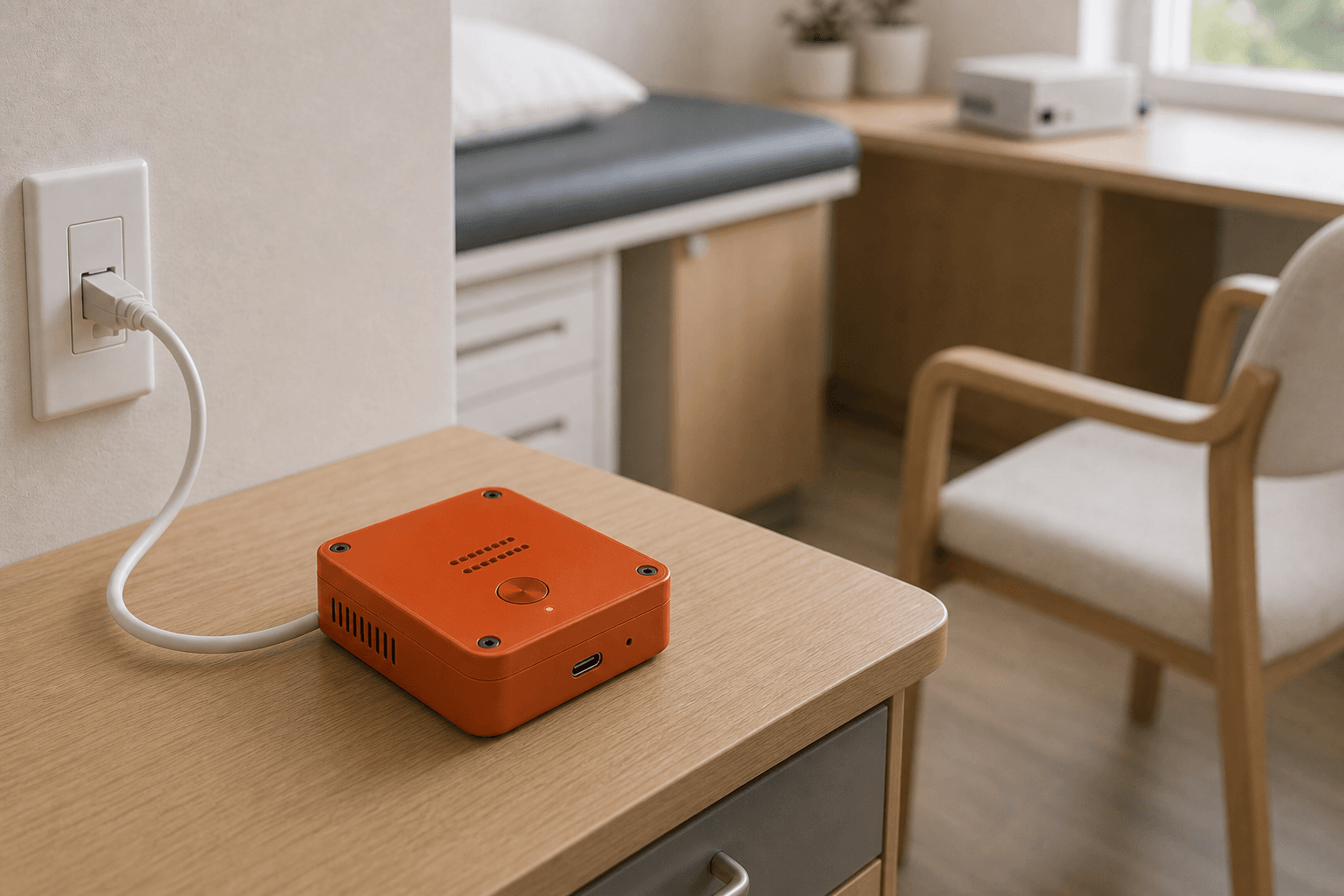
02 / capture
A room device can sit across the room and route audio back to Ryvo.
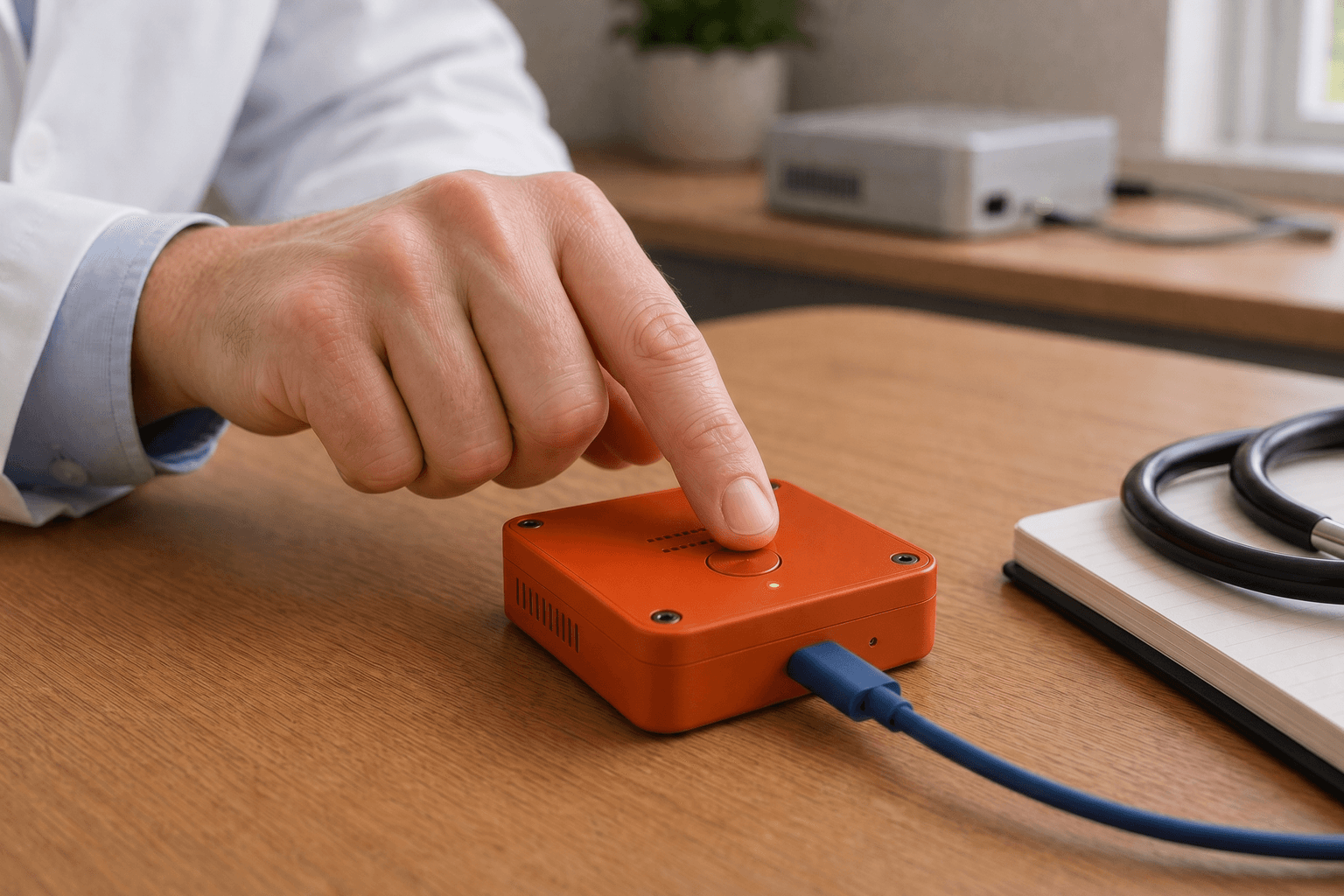
03 / capture
Start capture at the device. The recording light shows the state.
04 / capture
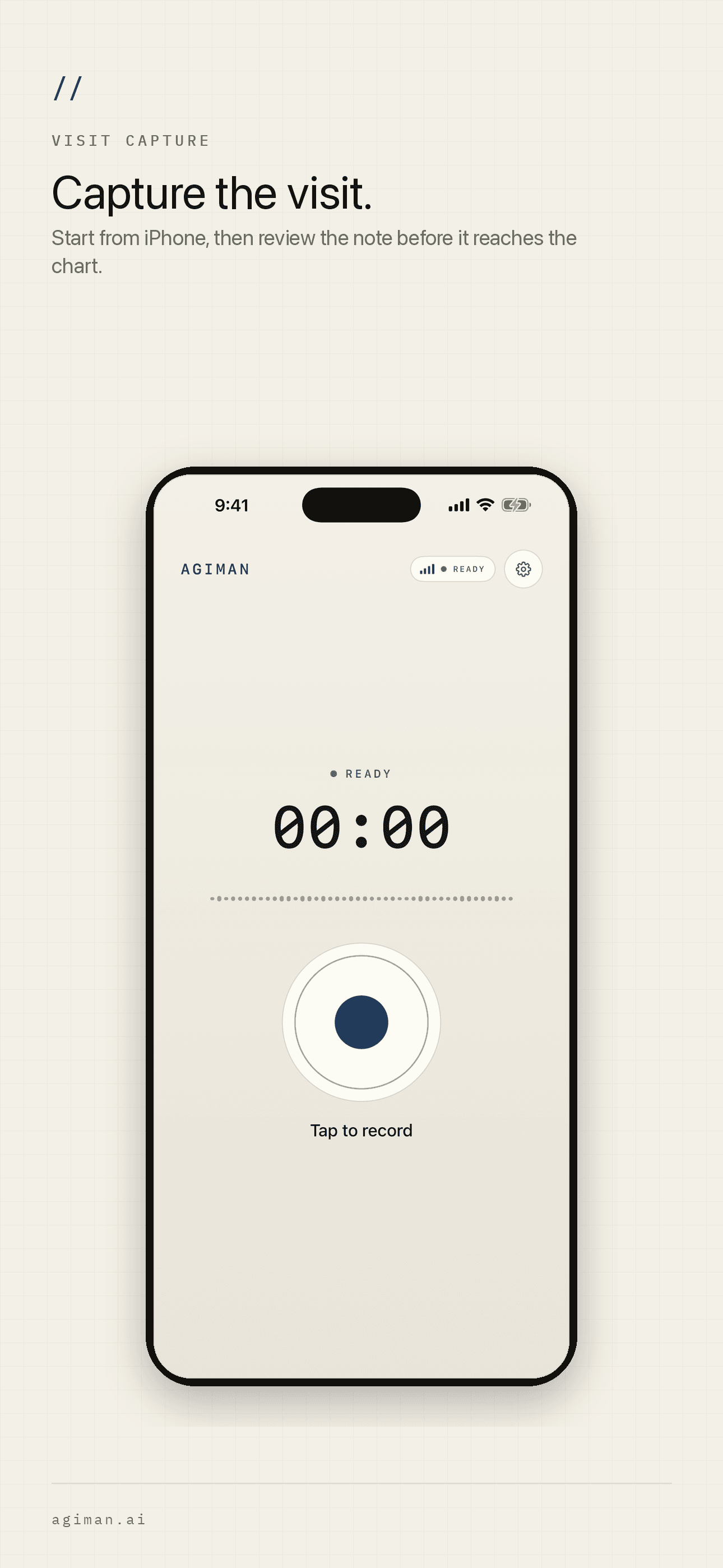
Start the visit from iPhone. The phone becomes the room microphone and routes capture to Ryvo on the practice network.
05 / capture
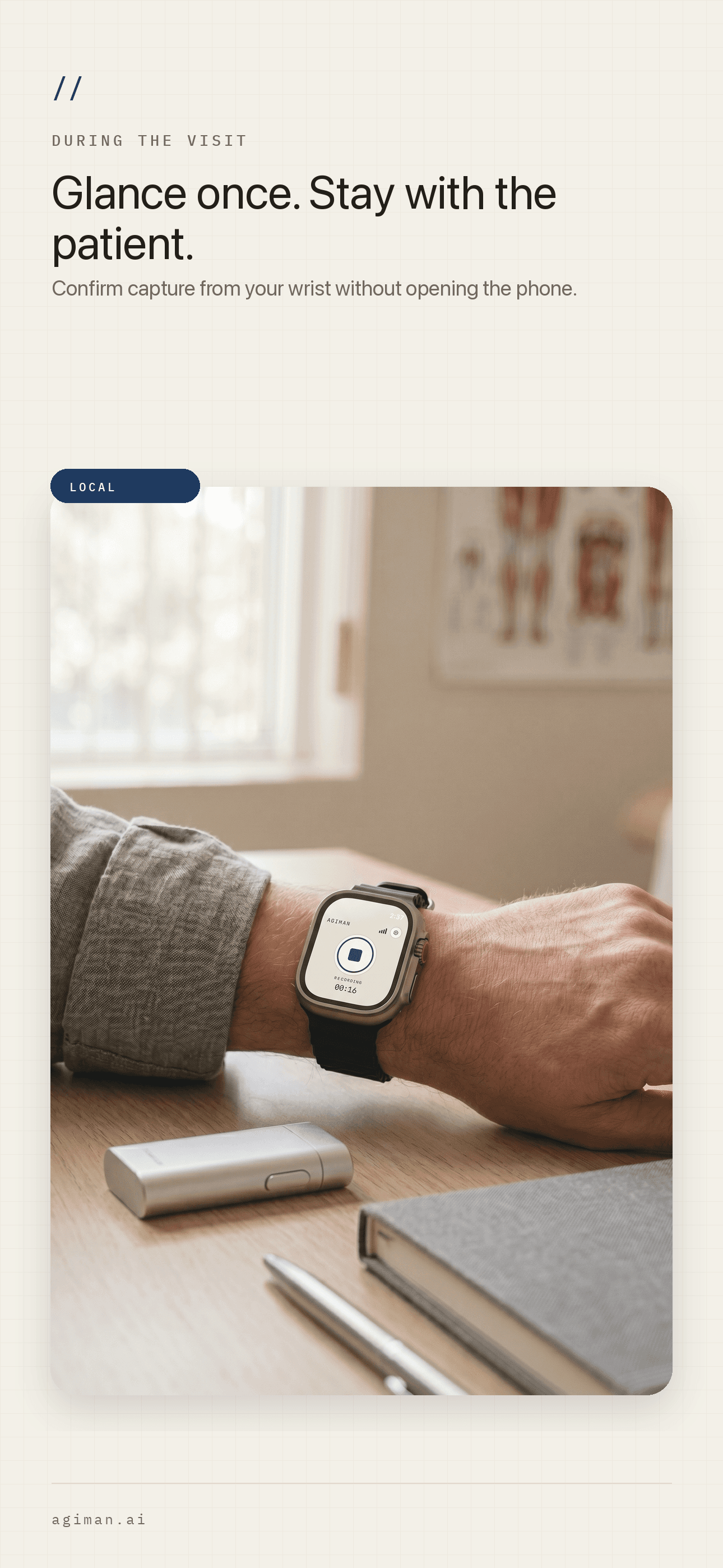
Start or stop capture from Apple Watch when the phone is in a pocket or on the desk.
06 / capture
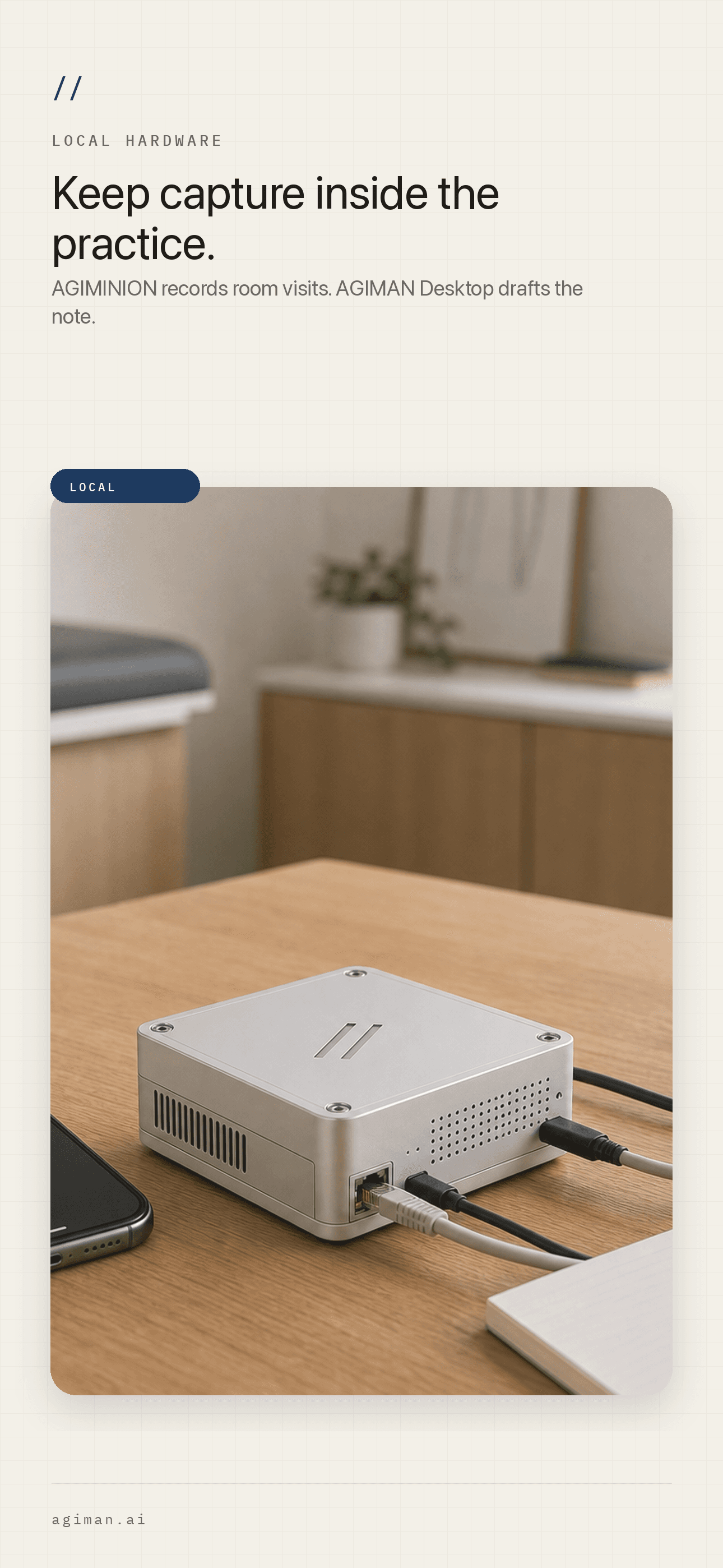
Record directly through the local Ryvo device when a room should not depend on a clinician laptop.
Questions
Yes. Ryvo drafts. The provider reads the transcript, edits the note, and signs before anything enters the EHR.
The desktop scribe is free to download and run on your own computer. We charge for what bigger practices need: custom EHR integrations, edge/private deployments across a clinic or group, and the Ryvo room mics and Ryvo device.
An Apple Silicon Mac, M1 or newer, with 16GB of memory runs it comfortably. A current MacBook Air, MacBook Pro, or Mac mini all work, because on-device transcription and note drafting together use only a few gigabytes. 8GB is the floor. Windows PCs run the same app, so aim for a recent processor and 16GB of memory. If you would rather not tie the scribe to a clinician's laptop, the Ryvo device carries the on-prem compute instead.
On the Ryvo appliance inside your network. Audio, transcripts, and drafts stay on site unless you approve an export.
We have reviewed mappings for Epic, athenahealth, Oracle Health, Canvas, eClinicalWorks, NextGen, Veradigm, Greenway, AdvancedMD, DrChrono, MEDITECH, Tebra, and more. Each integration is tested against your instance before go-live.
Plug in the appliance, connect it to your network, and add Ryvo room mics. Note drafting works first. The first EHR export path is scoped and reviewed before it is turned on, usually within 1 to 2 weeks.
Yes. Processing stays on your network, a BAA is available, and we supply the documentation a buyer needs for diligence.
No. The scribe is where Ryvo starts. It also suggests ICD and CPT codes, prepares referrals and intake, drafts follow-up tasks, and syncs approved work to the EHR.
Get started
Buy the appliance today, or talk to us about covering a whole clinic. Either way, the work stays on your network and the clinician signs every note.